21hemoon apps for FCP / Videoediting
Welcome to the app arena of our travel vlog and blog!
Whether you have a question about GPS to FCP Converter / Creator Companion for FCP or you are interested in the privately distributed app Creator Companion PRO —you’ve come to the right place.
Behind these apps isn’t an anonymous development studio, but true Vibe Coding: software born in a creative flow, driven by intuition and the urge to simply eliminate annoying workflow bottlenecks. Every line of code is the direct intersection of my own passion for sports and a deep love for video production.
I build exactly the tools I’ve always missed myself as a creator and outdoor enthusiast. That’s why I know firsthand how frustrating it is when the tech acts up in the edit, right when all you want to do is finish the video of your latest downhill run or that epic windsurfing session.
Stuck? Don’t let it ruin your creative process. Check out the documentation or shoot me a direct message. We’ll get your timeline running smoothly again in no time, so you can focus on what really matters -> your next story.
GPS to FCP Converter
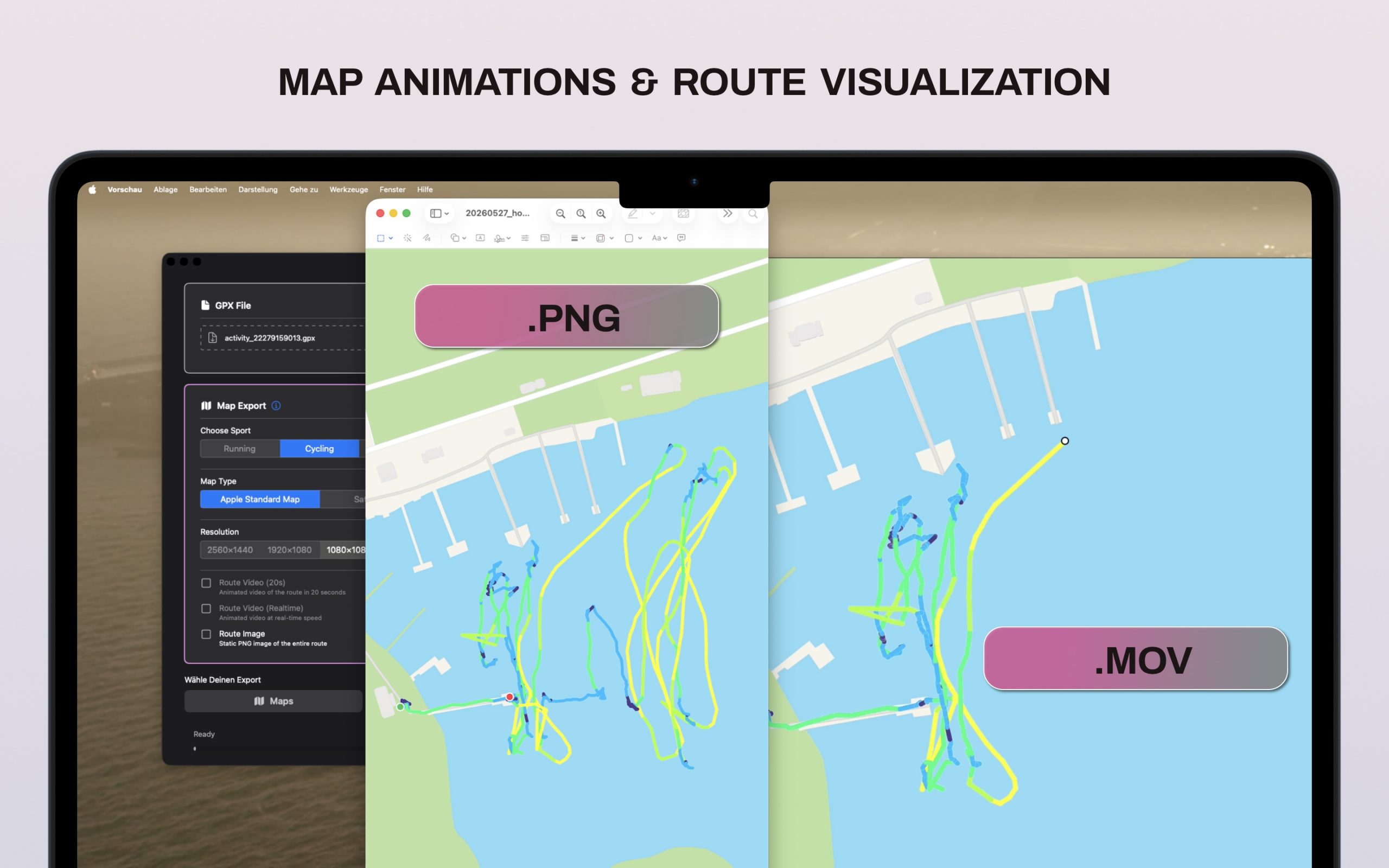
“Map Animations & Titles”
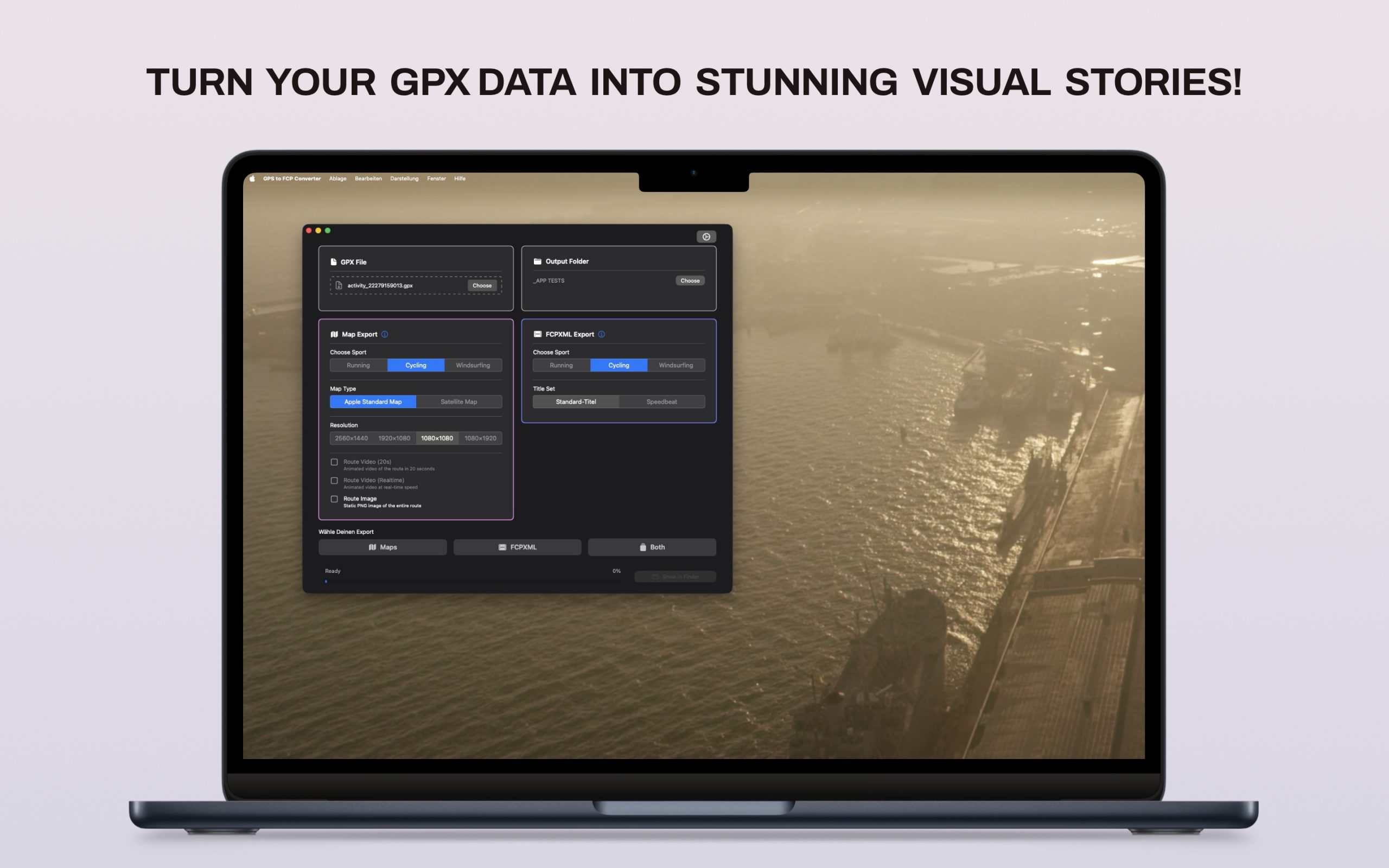
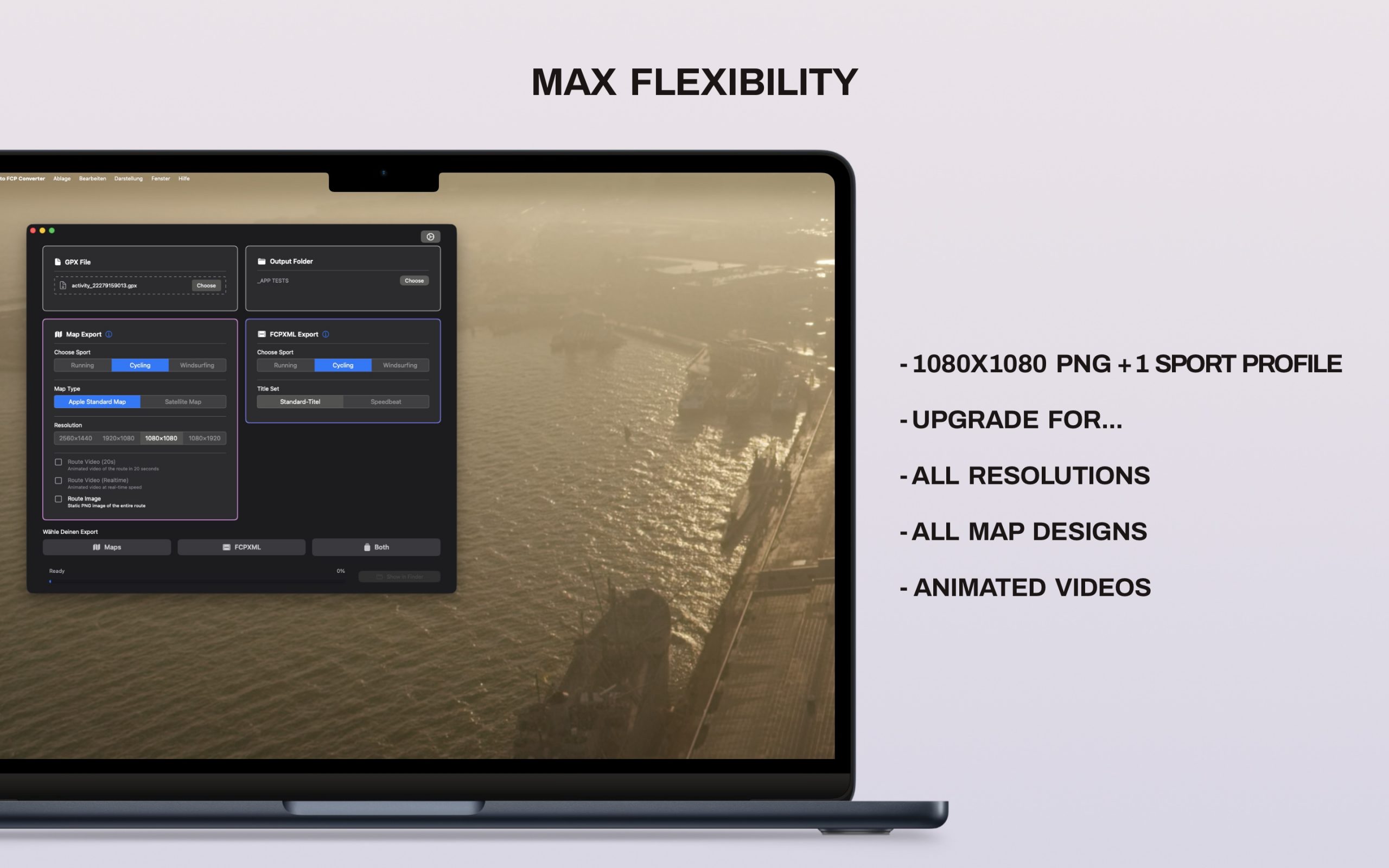
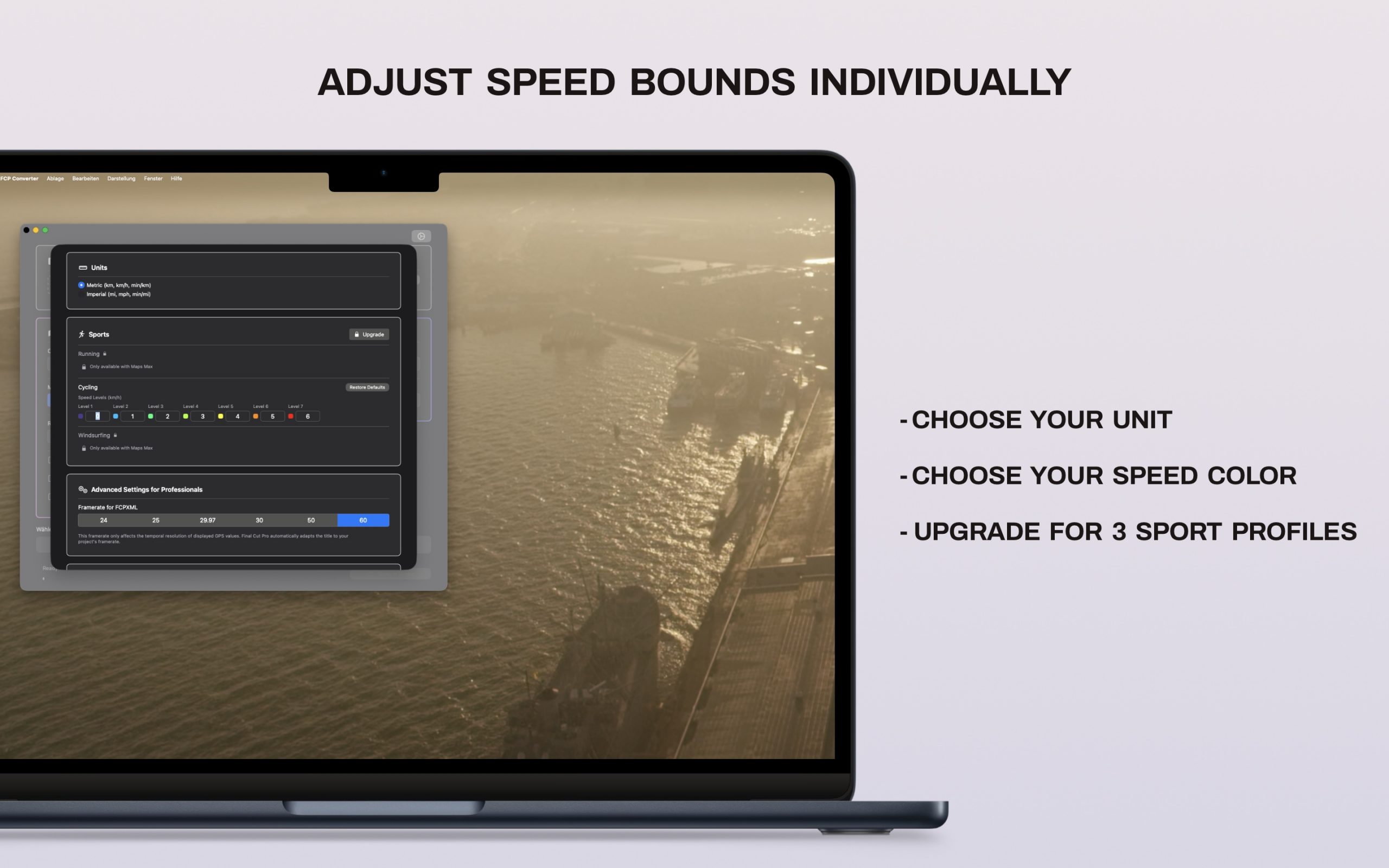
Transform your GPX data into stunning visual stories! Whether you tracked your last bike ride on Strava, went for a run with your Garmin watch, or are editing action cam footage for YouTube and Instagram: With the GPS to Final Cut Pro Converter, you can create professional map animations and telemetry overlays in seconds. Save yourself hours of keyframing and present your routes like a pro.
Transform your next adventure into a cinematic video. Download the GPS to Final Cut Pro Converter now and take your sports edits to the next level!
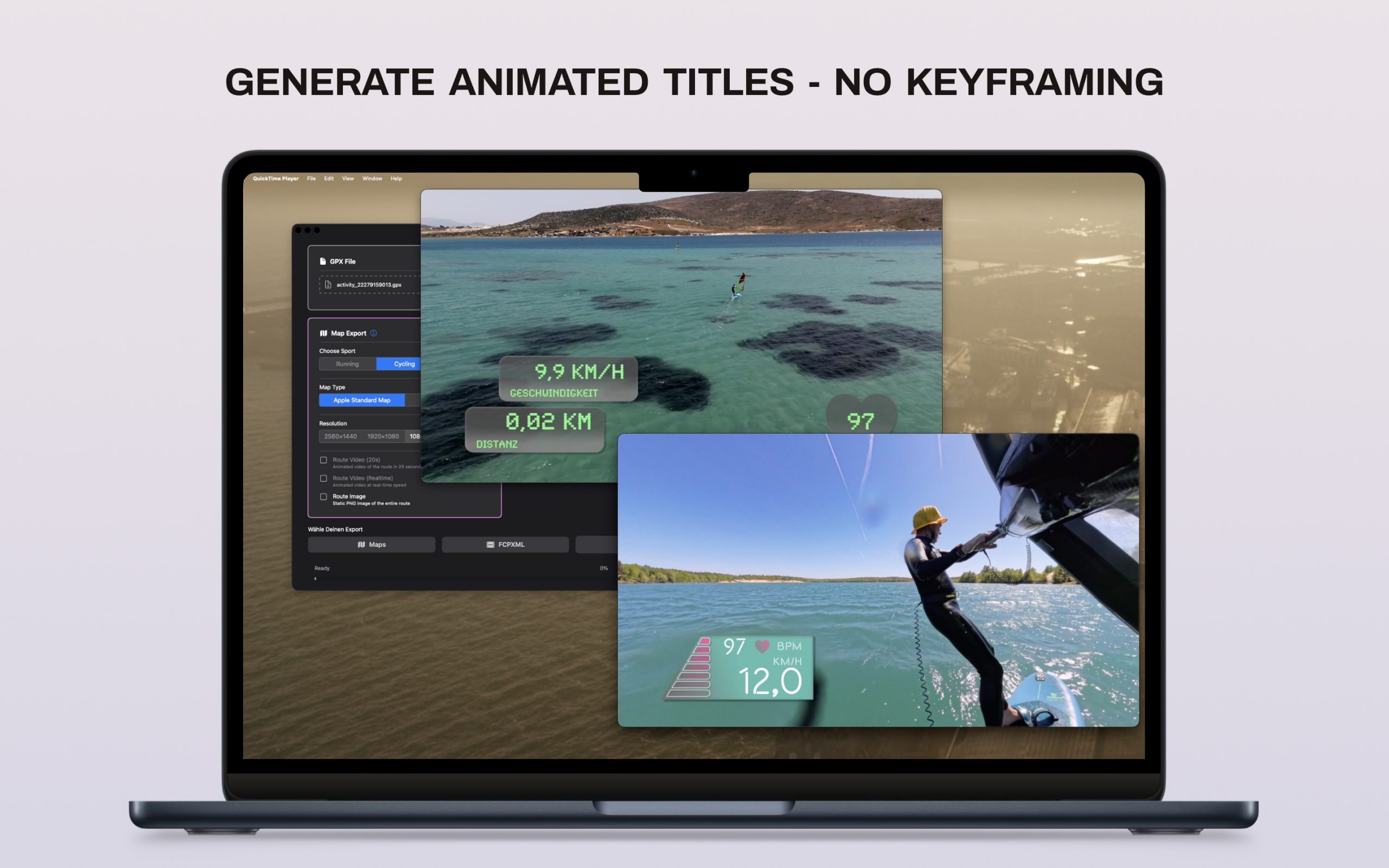
Technical Requirements & Notes
- Requires a Mac with macOS 14+
- Requires Final Cut Pro 11+
- Data source: GPX 1.1 by Topografix (see http://www.topografix.com/GPX/1/1) – with at least 2 waypoints.
- Set your Garmin watch GPS signal to “every second” in the settings.
- Values are calculated from GPX trackpoints (Haversine distance, trackpoint timestamps). These may differ slightly from the values in Garmin Connect / Strava, as those platforms use server-side smoothing algorithms.
You can download the app for free here.
Privacy Policy
You find all the details in EN here or read the German version here.
FAQs
n/a
Contact
You can write me an eMail here.
Creator Companion for FCP
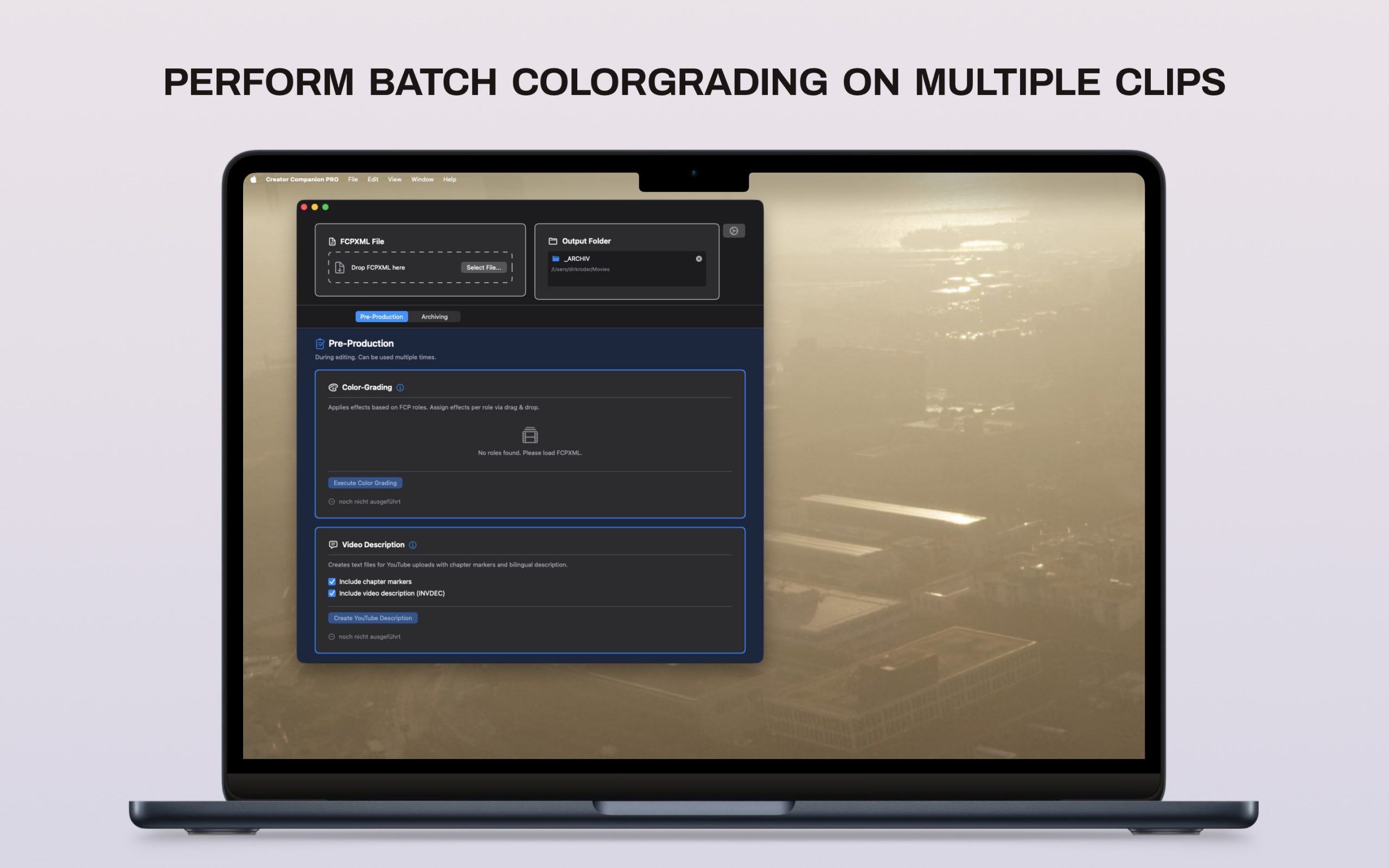
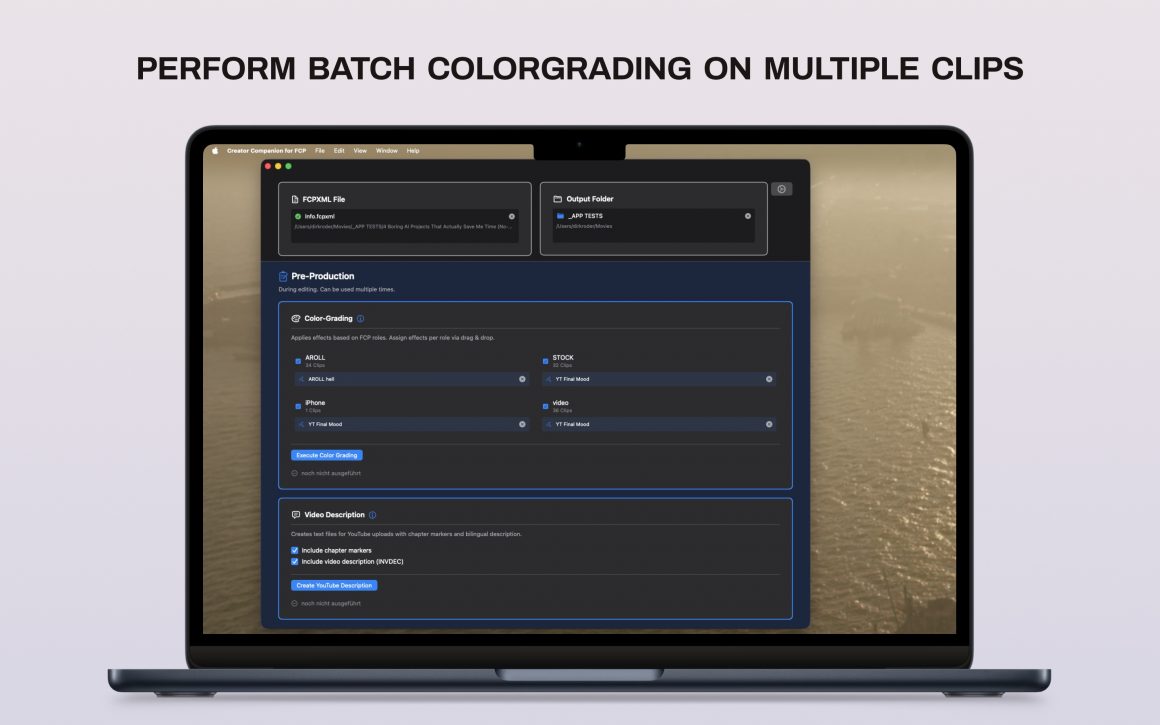
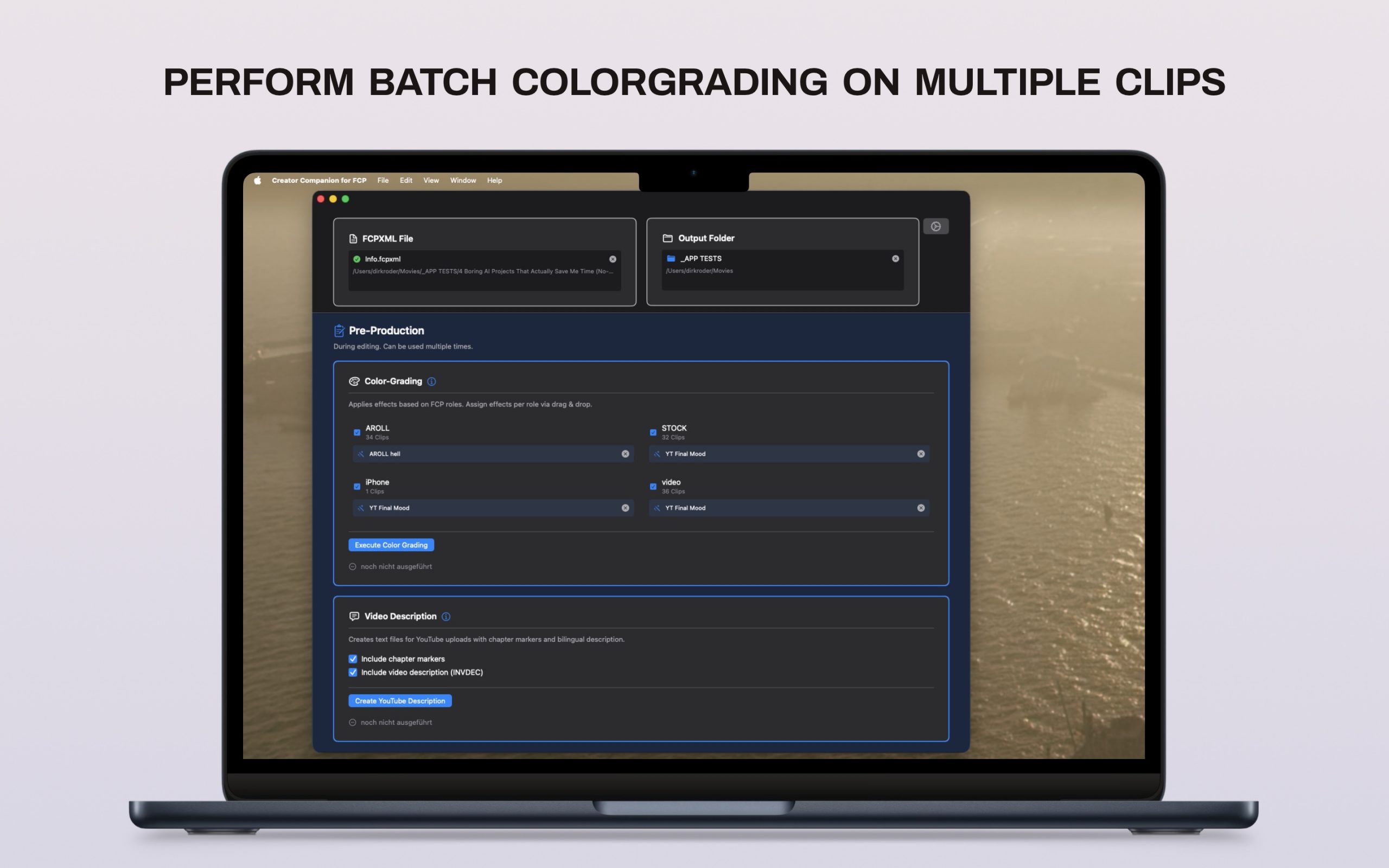
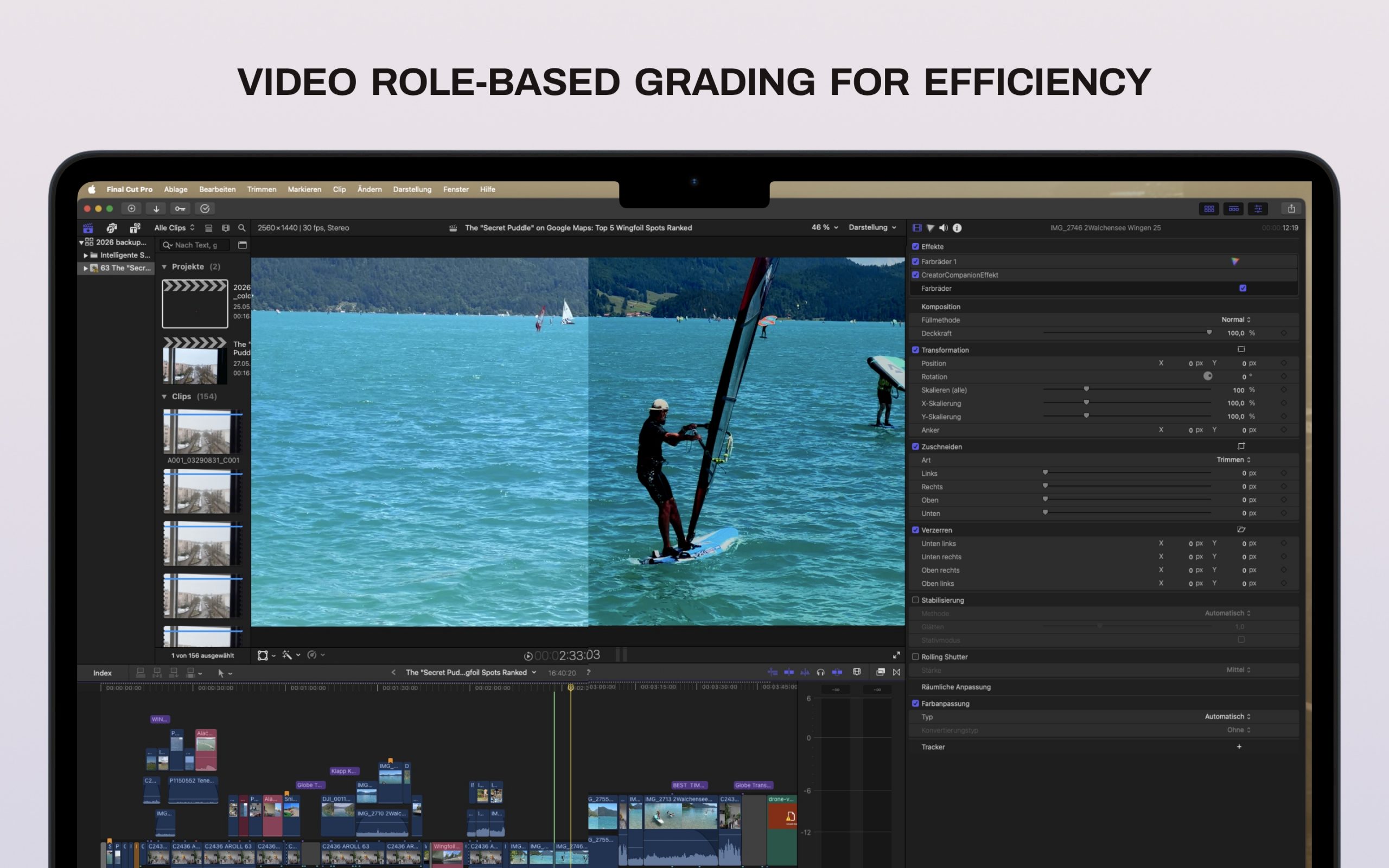
Feature: “Batch Colorgrading Video Roles”
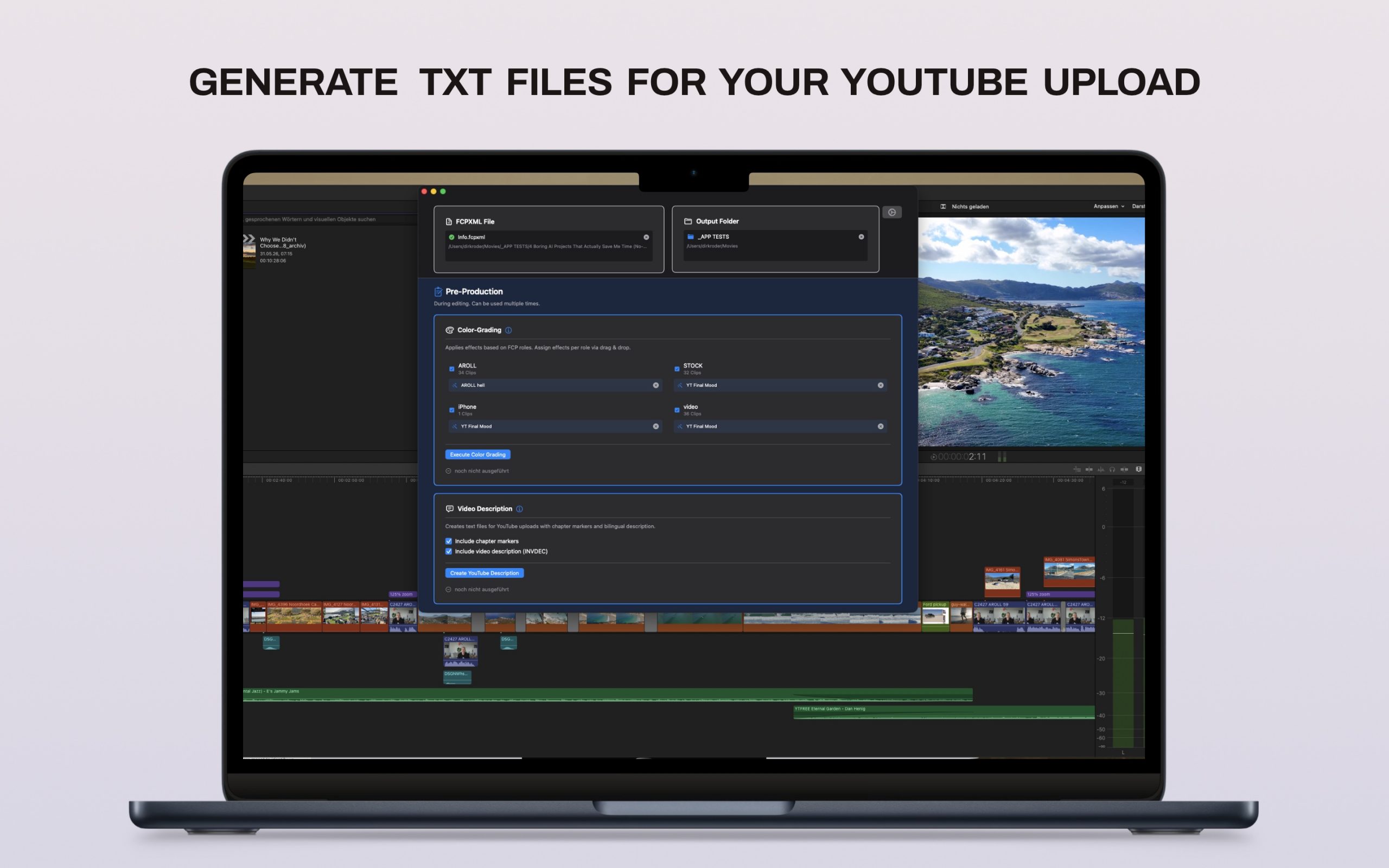
Optimize your Final Cut Pro workflow – color grading & YouTube metadata in seconds. Creator Companion for FCP is your perfect companion for efficient post-production. Built by editors for editors, this app helps you automate time-consuming, repetitive tasks. Save valuable hours on content creation for YouTube, social media, and client projects.
Batch color grading and timecode reading for YouTube Video description for your post-production. This app will soon have a PRO-Version which also includes “Consolidate & Trim”!
Technical Requirements & Notes
- Requires a Mac with Apple Silicon on macOS 13+
- Requires Final Cut Pro 11+
- Data Source: FCPXMLD 1.14
Important Notes & Limitations
To ensure the best experience, please note the following technical constraints:
- Roles: Only primary roles are identified (no sub-roles).
- Compound Clips: The effect is applied to the compound clip as a whole, not to the inner clips.
- Titles with Drop Zones: The link to the source gets disconnected – XML limitation. Workaround -> Place the clip for the drop zone below the timeline and relink after import.
- Multicam: Multicam clips are currently not supported.
Feature: “Youtube Metadata”
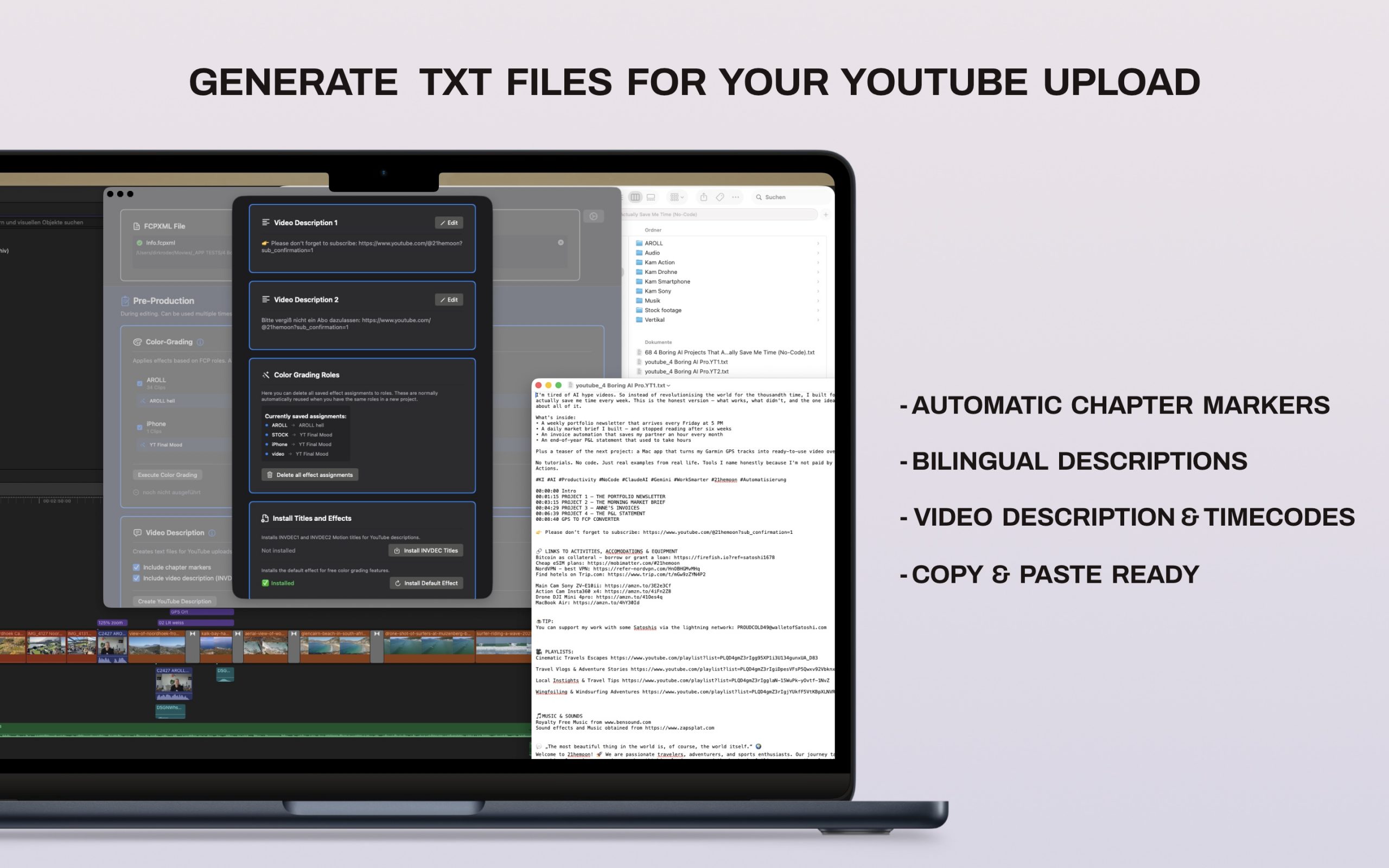
Streamline your publishing workflow by generating fully formatted, ready-to-use text files for your next upload. The app automatically extracts the chapter markers directly from your Final Cut Pro project, saving you the hassle of manual data entry. To help you reach a broader, international audience, you can easily seamlessly integrate bilingual descriptions into your workflow. All of your metadata—including individual and generic descriptions plus exact timecodes—is exported into one clean, combined text file (or two in case you go bilingual).
The final output is completely copy-and-paste ready, ensuring your metadata is instantly usable for YouTube, podcasts, Instagram, and TikTok.
You can download the app for free here.
Privacy Policy
You find all the details in EN here or read the German version here.
FAQs
n/a
Contact
You can write me an eMail here.
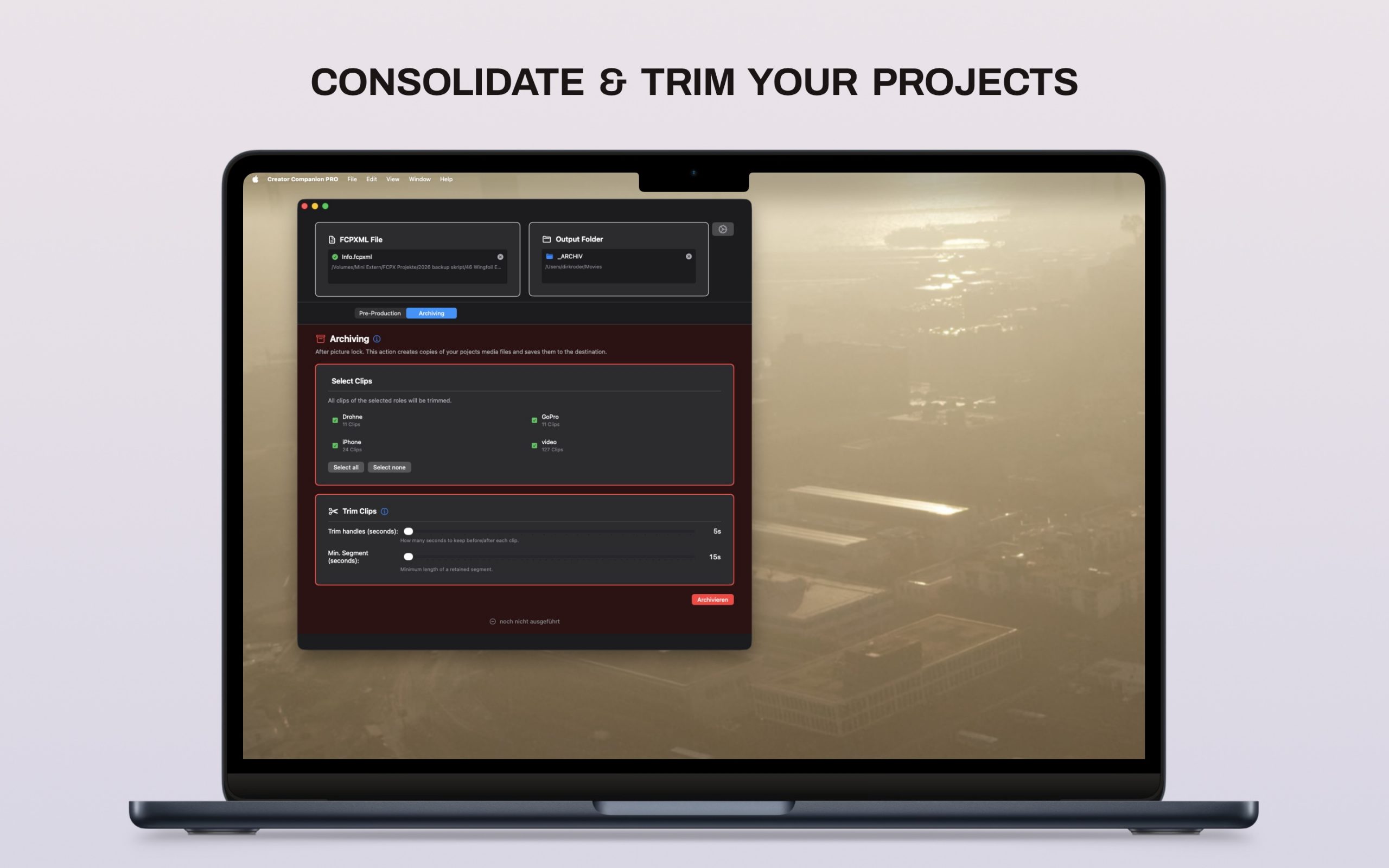
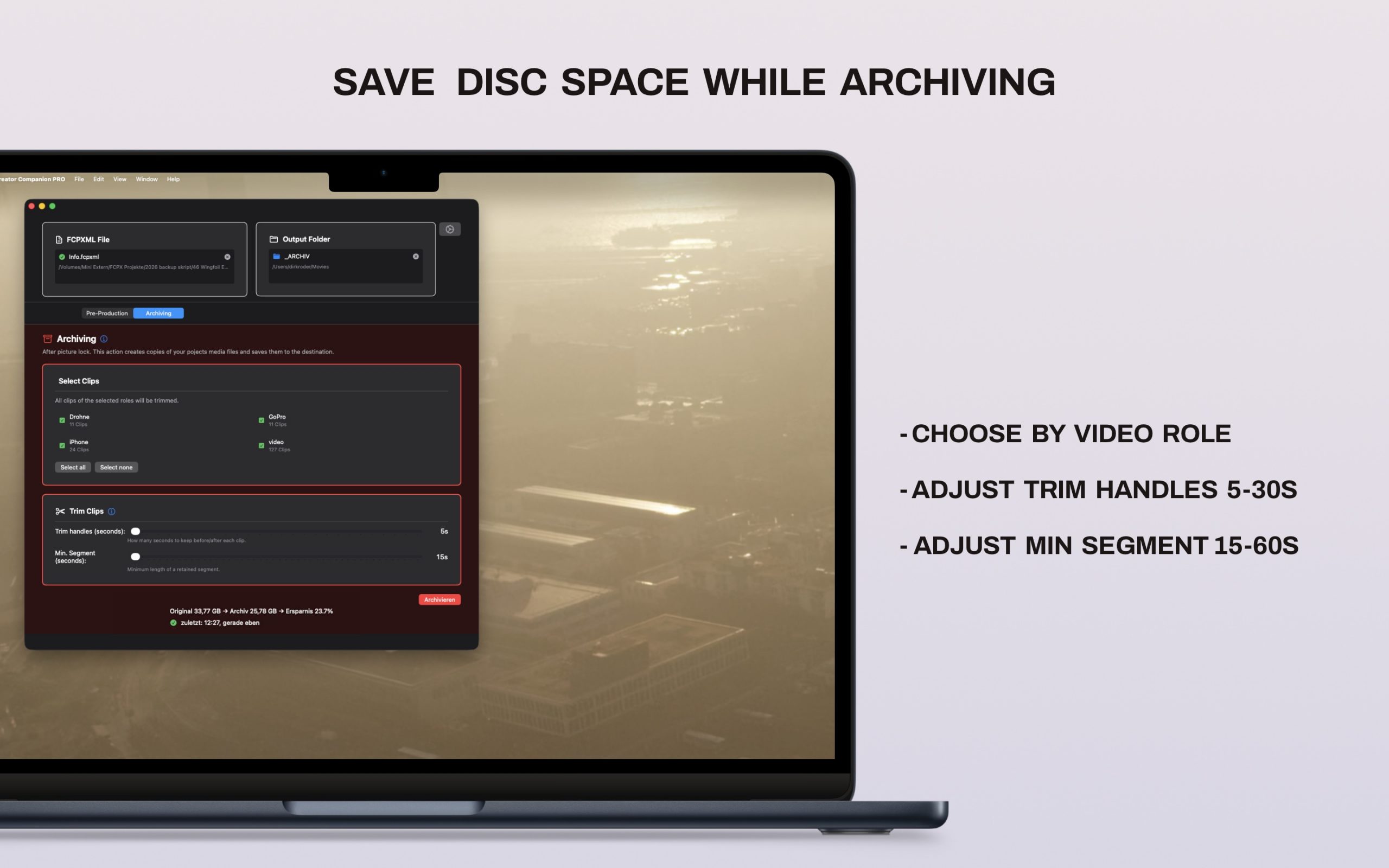
Creator Companion Pro: “Smart Archiving – Consolidate & Trim”
🚨Coming soon 🚨
You are interested in the PRO Version of this App that helps you saving terabytes of storage on unused raw footage – Consolidate and trim with Creator Companion Pro.